

Task management for restaurants and multi unit food service operations
RESTAURANTS & FOOD SERVICE
Keep every location running to the same standard, shift after shift. OPSCENTER puts the current procedure, the day's tasks, and the handoff between teams in one place, so the guest gets the same experience at 7am and at 10pm.










THE PROBLEM
Restaurant Operations Are Measured in Shifts, Not Weeks
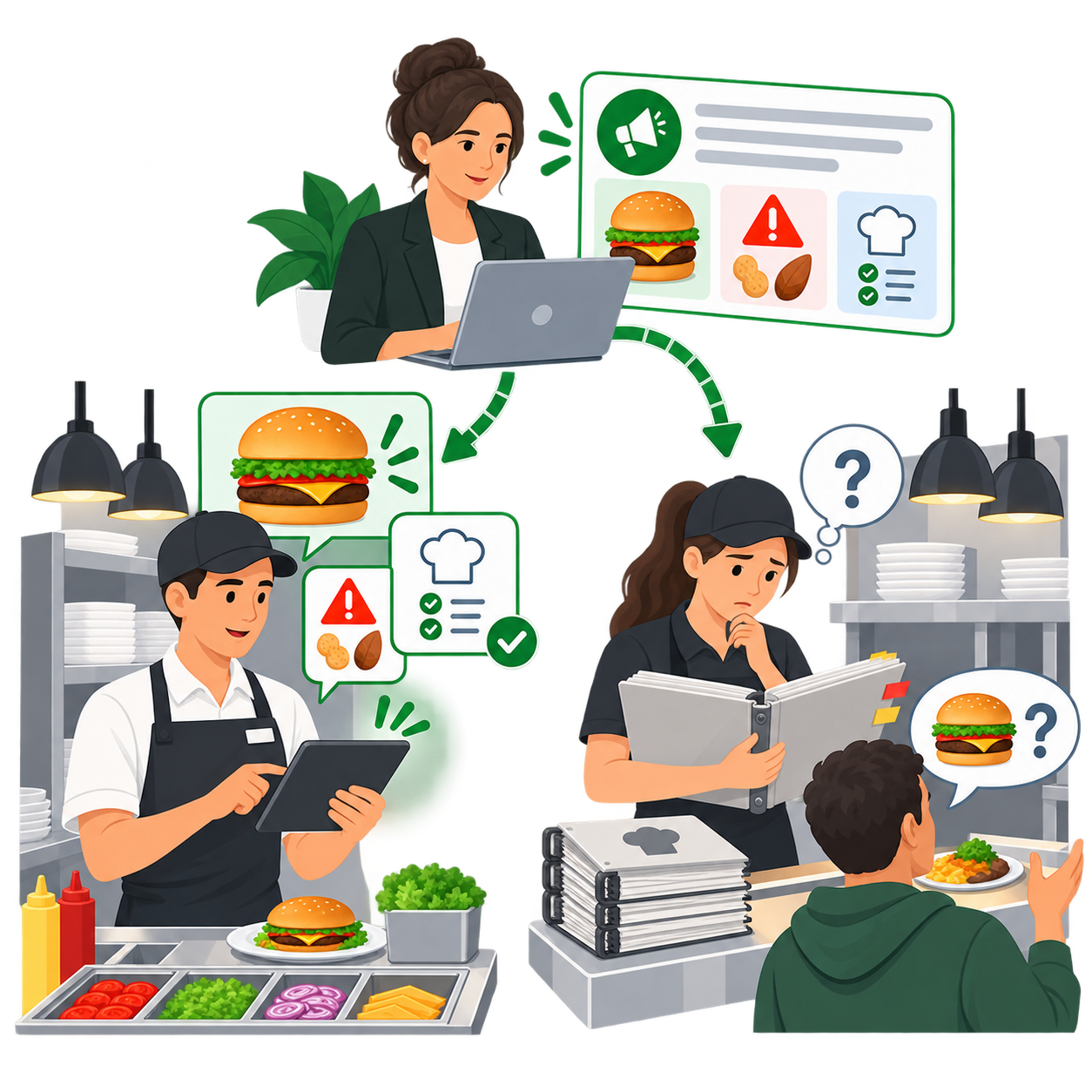
A menu change, a new LTO, an allergen alert, or a revised prep procedure has to reach the person opening at six in the morning and the person closing at eleven at night. Those are different people, often hired within the last month.
The update goes out by email to the general manager. The binder behind the line still has last quarter's version. The closing shift finds out when a guest asks a question nobody can answer.
The cost is not a single bad night. It is that the product comes out differently depending on who is working, and in food service consistency is the entire reason a guest comes back. On the safety side there is no version of this where a missed notice is acceptable.
WHAT IT DOES
How OPSCENTER Supports Restaurant and Food Service Operations
Every module runs on the same platform, shares the same targeting rules, and reports into the same place. Food service teams usually lead with documentation and shift communication, then expand into task execution and certification.
Document Library
Version controlled storage with permission based access, so every location works from the current recipe card, prep sheet, or procedure. When a spec changes, the previous version stops being reachable instead of staying in a binder.
Chat & Newsfeeds
Company wide news feeds for updates and status changes, plus person to person and group chats. The closing team can pick up where the opening team left off instead of relying on a note taped to the pass.
Task Manager
Opening, closing, and prep routines as step by step tasks with clear completion requirements, assigned to the shift that has to do them. Report on completion by location, region, or daypart while the shift is still running.
→Knowledge Base
Post product information, allergen details, policies, and procedures where teams can search them in seconds, so an answer at the counter does not depend on who happens to be working.
Testing & Certification
Build certification programs for onboarding, food safety, and skills training, with completion tracked by role and location. In a format where turnover is constant, the training record has to keep up with the hiring.
Audits & Storewalks
Create, assign, and review location level audits completed by a field leader, area manager, or general manager, so a line check or a brand standards walk leaves a record instead of a clipboard in a drawer.
HOW IT WORKS
How a Menu Change Reaches Every Shift with OPSCENTER
Step 01
Publish the New Spec
Recipe cards, prep sheets, and allergen information go into the document library as the current version, replacing what came before.
Step 02
Send It to the Right Roles
Kitchen, front of house, and management each receive what applies to them, in the locations running the change, with read compliance on the notice.
Step 03
Build It Into the Shift
that can be assigned to the shift or individual that has to complete them, visible on the app rather than remembered from a pre-shift meeting.
Step 04
Check It and Keep the Record
Line checks and brand standards walks confirm execution, and the completion history stays available for the next audit or the next roll out.
WHO IT’S FOR
Built for Every Level of a Restaurant Organization
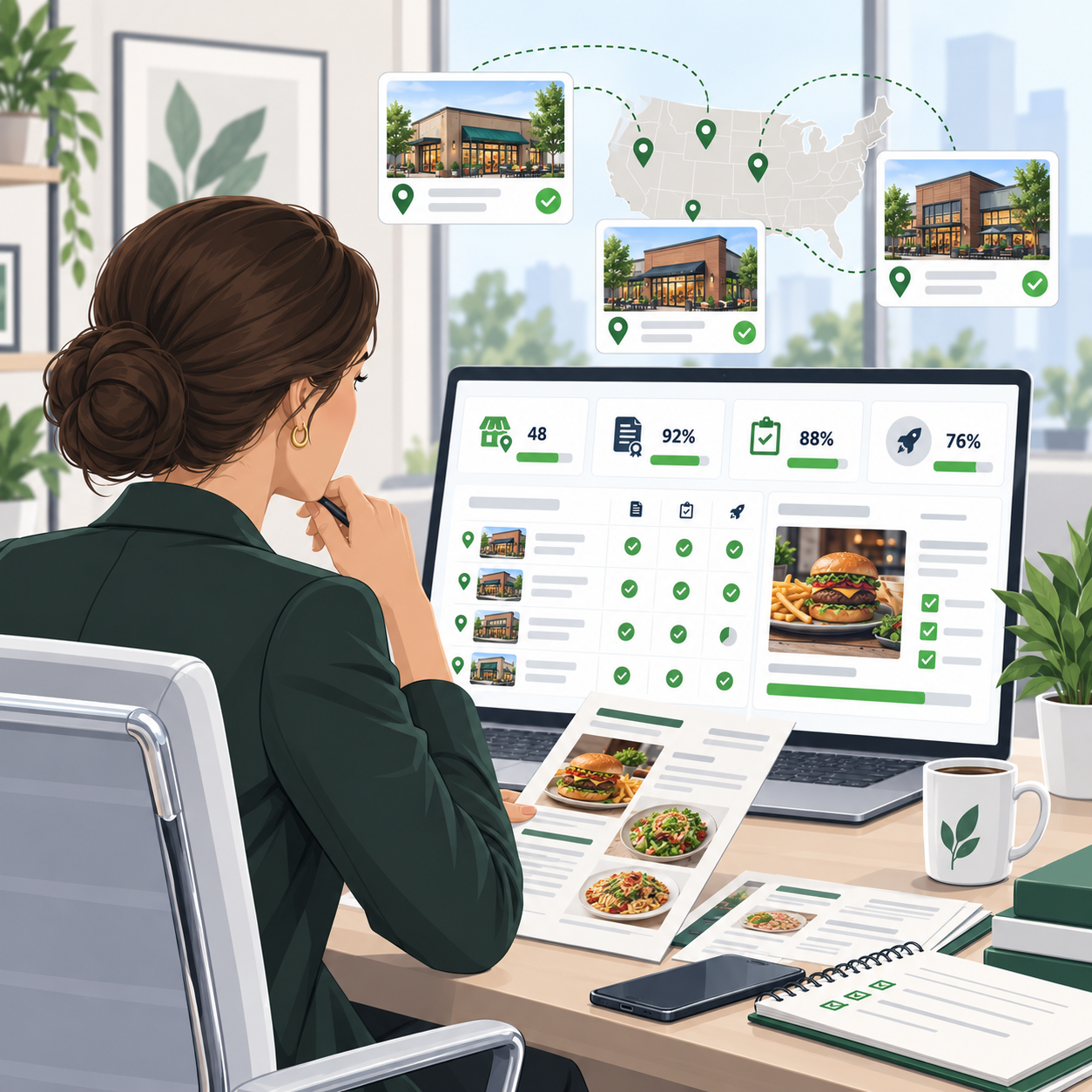
HQ, Operations, and Brand Standards Leaders
- Roll out a menu change or LTO to every location and see where it landed
- Retire a procedure across the network without stale copies staying in circulation
- Report certification and audit completion by role, location, or region
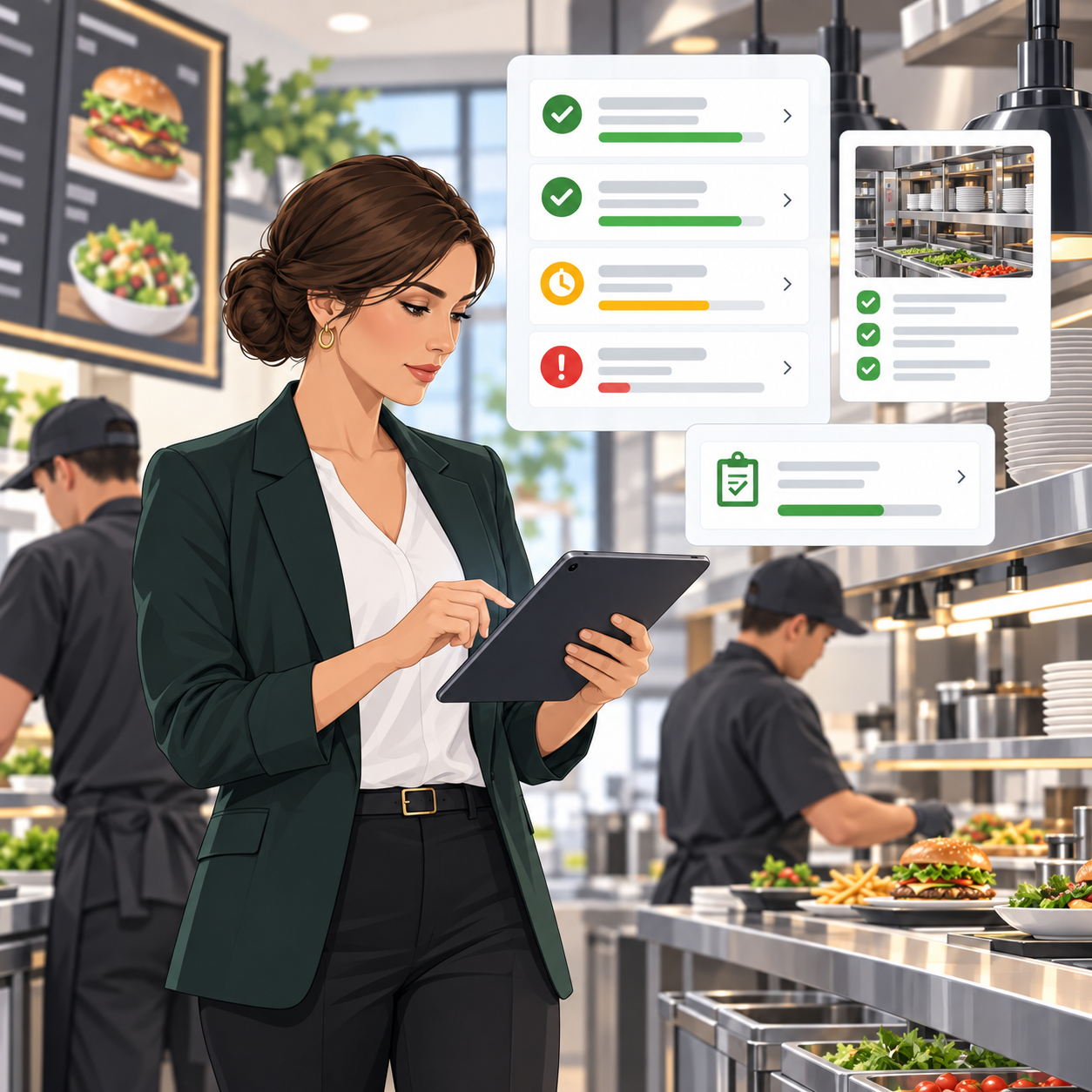
Area and General Managers
- See what is complete, pending, or overdue by shift, not at the end of the week
- Run line checks and standards walks from the same platform that assigned the work
- Onboard new hires against a defined program instead of an informal handoff
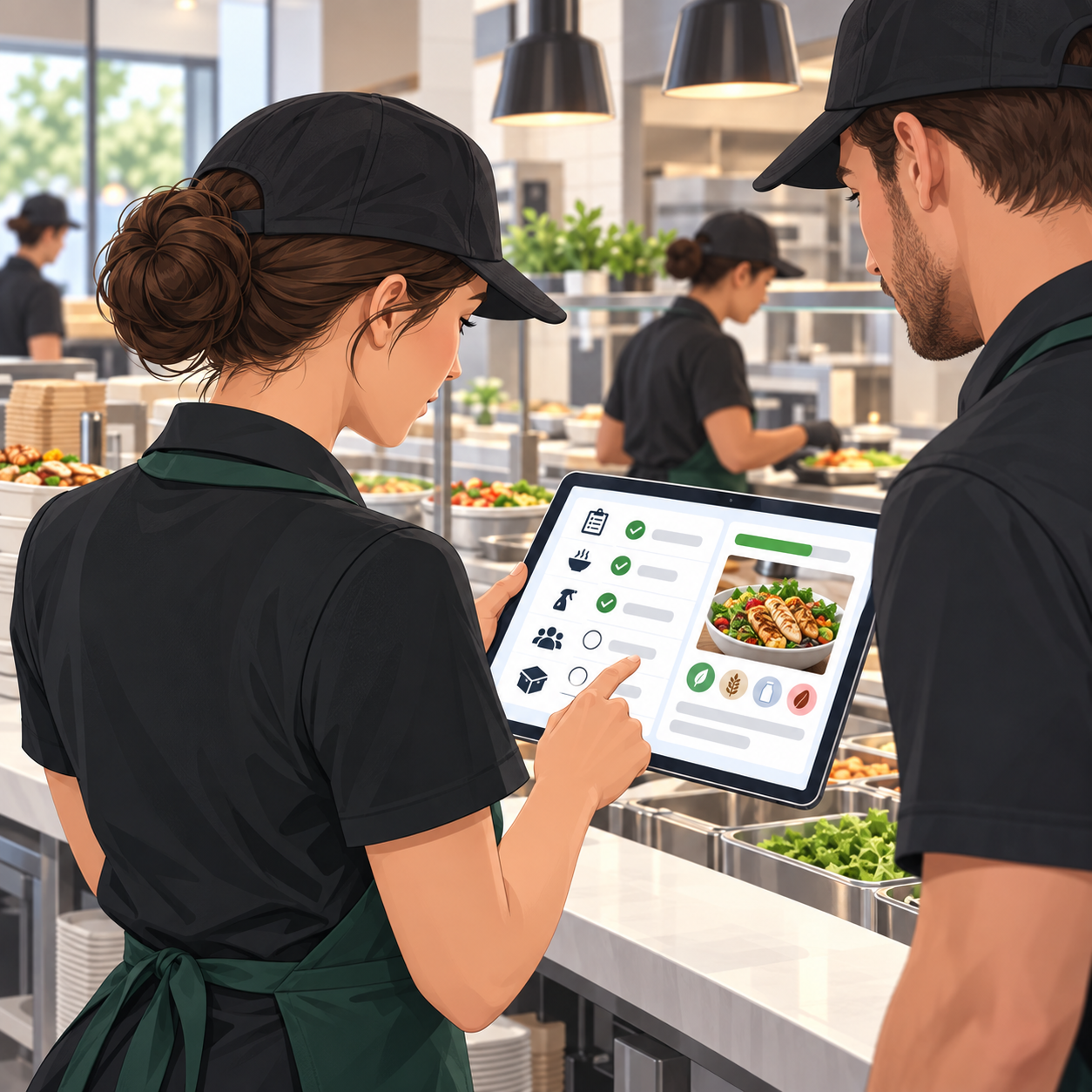
Shift Leads and Team Members
- One app for the day's tasks, current procedures, and product information
- Pick up the shift knowing what the previous team completed and what is open
- Find an allergen or product answer without leaving the line
WHY OPSCENTER
Why Multi Unit Food Service Operators Choose OPSCENTER
OPSCENTER serves 65 clients across 49 countries in 26 languages, from billion dollar chains with thousands of locations to specialty operators with a handful. Every client gets access to all 12+ modules under one license, with no hidden fees for adding functionality as needs change.
Hours saved per month through streamlined task reporting
Timely, helpful responses to stores
Sales increase during peak sales periods from improved store preparation
- Retailers save up to 400 hours per month of workload through streamlined task reporting
- Timely, helpful responses to stores rise from 70% to over 95%
- Store preparation improvements have driven a 20% sales increase during peak sales periods
- Real time visibility lets teams react and make changes the moment issues arise
Built for a Workforce That Turns Over
An intuitive UI and strong user acceptance keep training simple, which matters when new team members start every week and nobody has a spare afternoon for software training.
Configuration Based, Not Code Based
An easy to use Administration module lets operations teams adjust workflows, roles, permissions, and categories directly, without waiting on IT between menu cycles.
Standards Based Integration
OpsEngine provides a full API layer that connects OPSCENTER to point of sale, workforce management, and other internal systems, so it fits the technology you already run.
FAQ
Frequently Asked Questions About Task Management for Restaurants
What is task management software for restaurants?
Task management software for restaurants is a platform that multi unit operators use to send work to their locations and track whether it was completed. It usually covers opening and closing routines, prep and setup steps, brand standards checks, and the communication that goes with them, replacing the email chains, paper checklists, and binders most operators still rely on. The point is visibility in both directions. Head office can see which locations completed which work and when, and the teams on shift can see what is expected of them without waiting for a pre shift briefing. In a format where staff turn over constantly and every day runs across multiple shifts, that record is what keeps execution consistent from one location to the next.
Can we send different directions to kitchen staff and front of house?
Yes. Recipient targeting applies across messages, tasks, and documents, so each role receives only what belongs to it, with read compliance reporting on both.
How does OPSCENTER keep locations from using an outdated recipe or procedure?
Documents are version controlled with permission based access, so teams reach the current spec rather than a printout or a saved copy from a previous cycle.
Can we track food safety training and certification?
Testing and Certification supports programs for onboarding, skills training, and product knowledge, with completion tracked by role and location, so the training record keeps pace with hiring.
Do we have to buy each module separately?
No. OPSCENTER licensing includes access to all modules from day one. Operators can start with documentation or task management and expand into certification, audits, or dashboards at no additional cost.
GET STARTED
Run Every Location, Every Shift, to the Same Standard
OPSCENTER brings procedures, task execution, shift communication, training, and audits into one connected system, so the standard holds whether it is the opening shift or the last table of the night.