

Grocery store task management for high volume supermarket operations
GROCERY & SUPERMARKETS
Manage high volume daily operations and keep every store team aligned on inventory, pricing, and daily priorities. OPSCENTER routes the work to the right department, in the right store, and shows you what actually got done before the doors open













THE PROBLEM
Grocery Runs on a Weekly Clock That Email Cannot Keep Up With
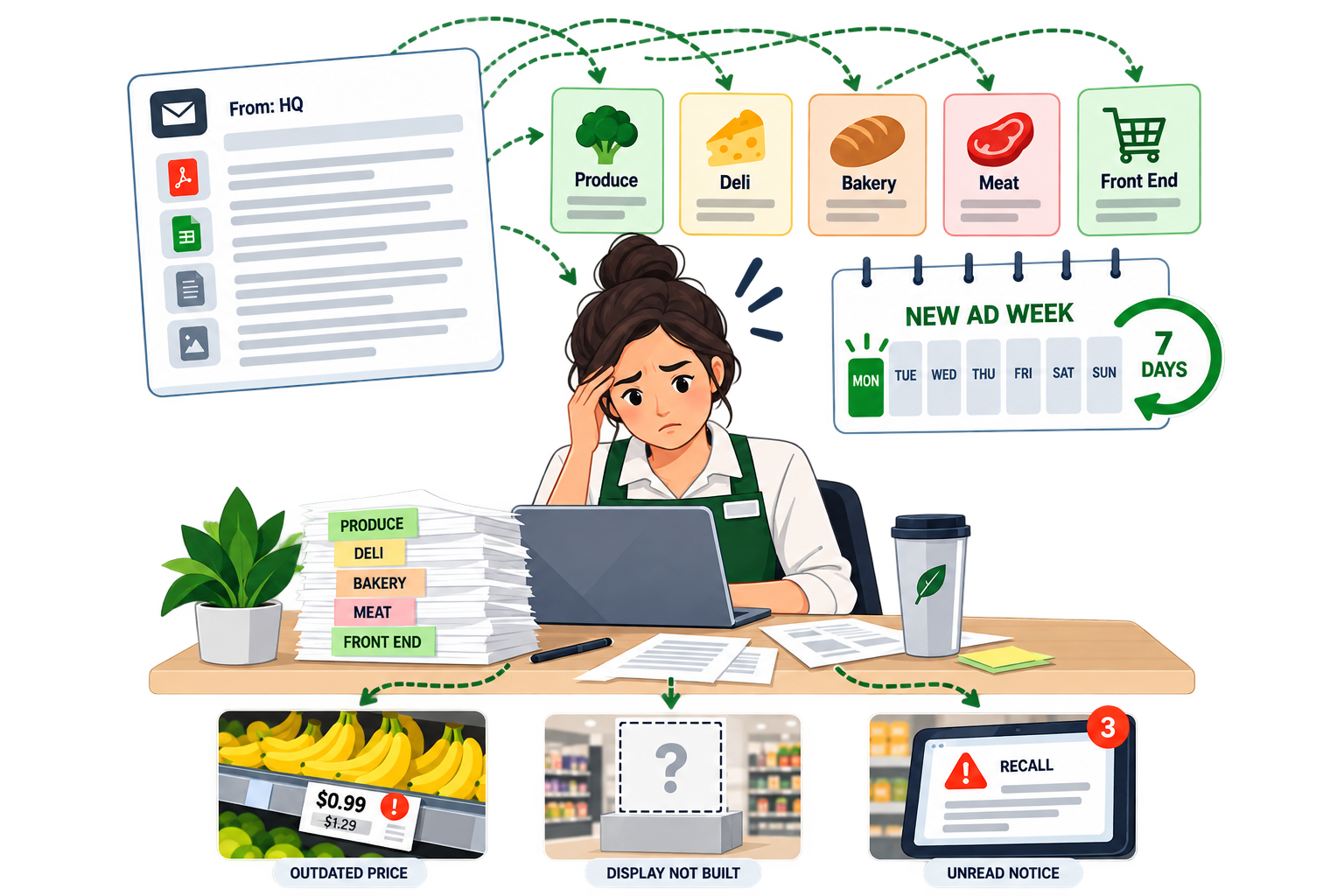
A new ad week lands every seven days. Prices change, endcaps come down and go back up, signage gets swapped, and seasonal sets move, all before the first customer walks in.That direction has to reach produce, deli, bakery, meat, and front end, each with different work and different timing. Most of it still arrives as one long email to the store manager, who then has to break it apart and pass it on.
The gap shows up on the shelf. A tag that never changed, a display that never got built, a recall notice that sat unread in an inbox. In grocery the margin is thin enough that a handful of stores missing the set is the difference between a profitable ad week and a flat one.
WHAT IT DOES
How OPSCENTER Supports Grocery and Supermarket Operations
Every module runs on the same platform, shares the same targeting rules, and reports into the same place. Grocery teams usually lead with task execution and communication, then expand into audits and reporting.
Task Manager
Break the ad week into step by step tasks with clear completion requirements, assigned by department rather than dumped on the store manager. Report on segmented progress by banner, region, or store format while the reset is still underway.
→Message Center
Send price changes, recall notices, and operational updates to the exact stores and roles they apply to, with full read compliance. When it matters that someone actually read it, you have the record.
→Audits & Storewalks
Create, assign, and review store level audits completed by a field auditor, district manager, or store manager. Turn the food safety walk and the condition check into a repeatable, reportable routine instead of a clipboard.
Retail Operations Calendar
Put ad weeks, price change dates, seasonal sets, and store level tasks in one view, so a holiday reset and a full remodel task list never land on the same department on the same morning.
→Retail Planogram Software
Build on screen maps of aisles, endcaps, and communication boards, or import them from your planogram software, with clickable areas that launch the right guide instantly. Store teams see the set for their format, not a document written for the whole chain.
→Dashboards
Build role based dashboards showing execution by store, district, or banner. Merchandising and operations leaders see which locations completed the ad set and which ones need a call this morning, not next week.
→HOW IT WORKS
How an Ad Week Runs in OPSCENTER
Step 01
Build the Week Once
Create the messaging and the department task lists, build or import the planograms, and attach the guides where store teams will look for them.
Step 01
Route It by Department and Banner
Send each piece to the roles and locations it applies to. Produce gets produce work. A banner that is not running the promotion never sees it.
Step 03
Execute Before Doors Open
Teams work through tasks from the app on the floor, marking steps complete as they go rather than reporting back at the end of the shift.
Step 04
Verify, Then Move On
Storewalks and photo submissions confirm the set is right. Field leaders see completion in real time and follow up only where it is actually needed.
WHO IT’S FOR
Built for Every Level of a Grocery Organization
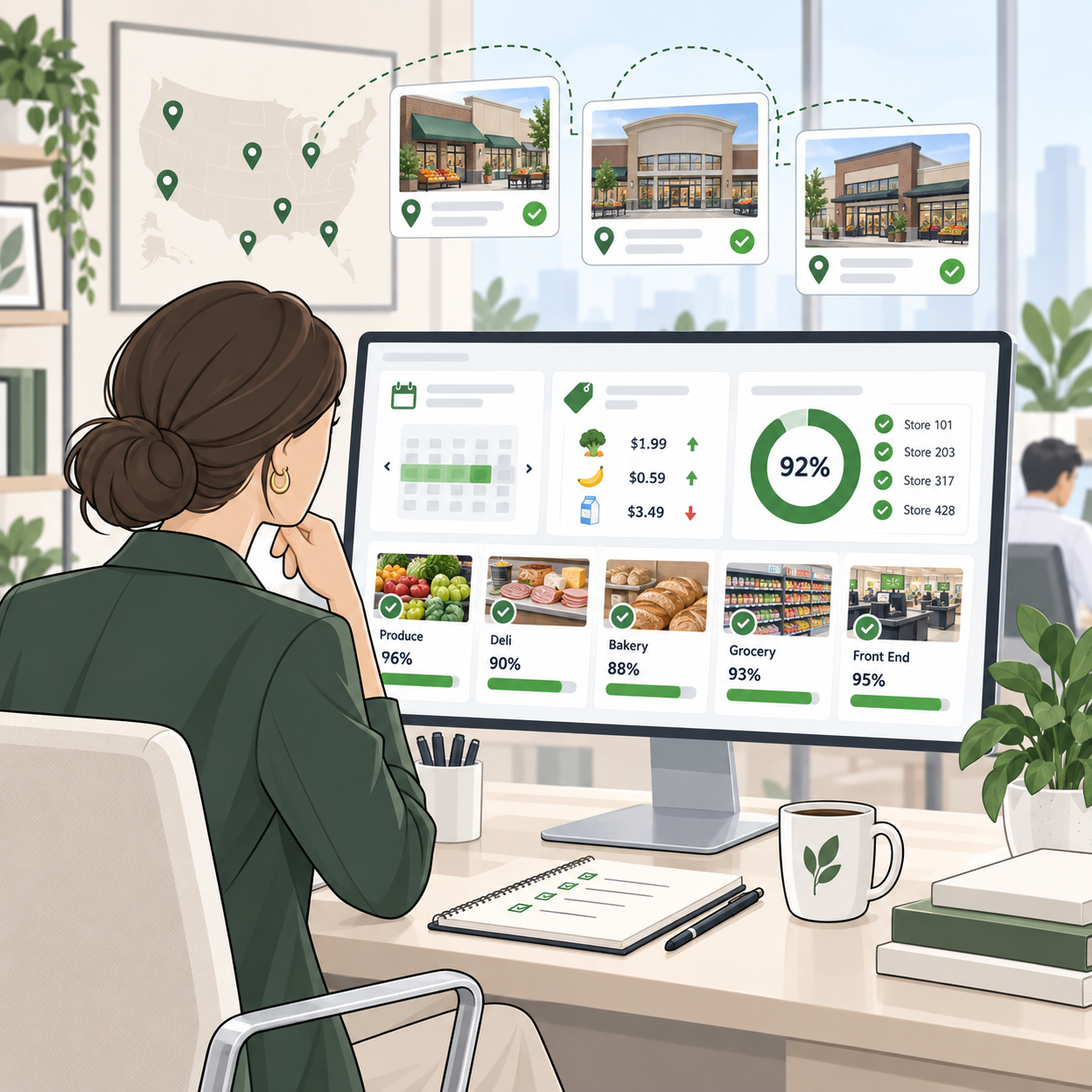
HQ, Merchandising, and Store Operations Leaders
- See ad week and price change execution across every banner from one dashboard
- Publish once and target by banner, region, store format, or department
- Hold a record of who read a recall or compliance notice and when
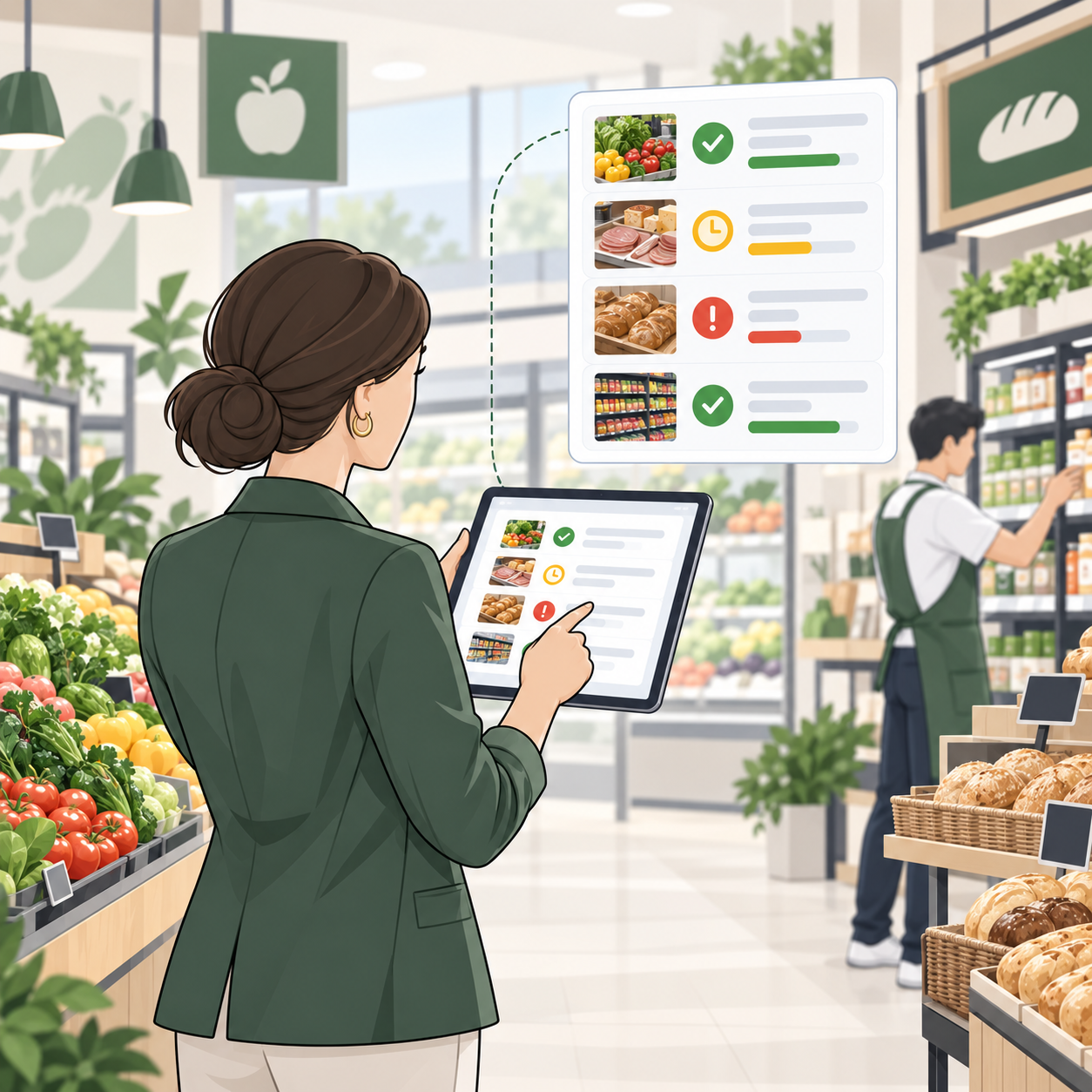
District and Store Managers
- Walk in already knowing what is complete, pending, or overdue by department
- Run storewalks and audits from the same platform that assigned the work
- Stop rewriting HQ email into task lists for each department head
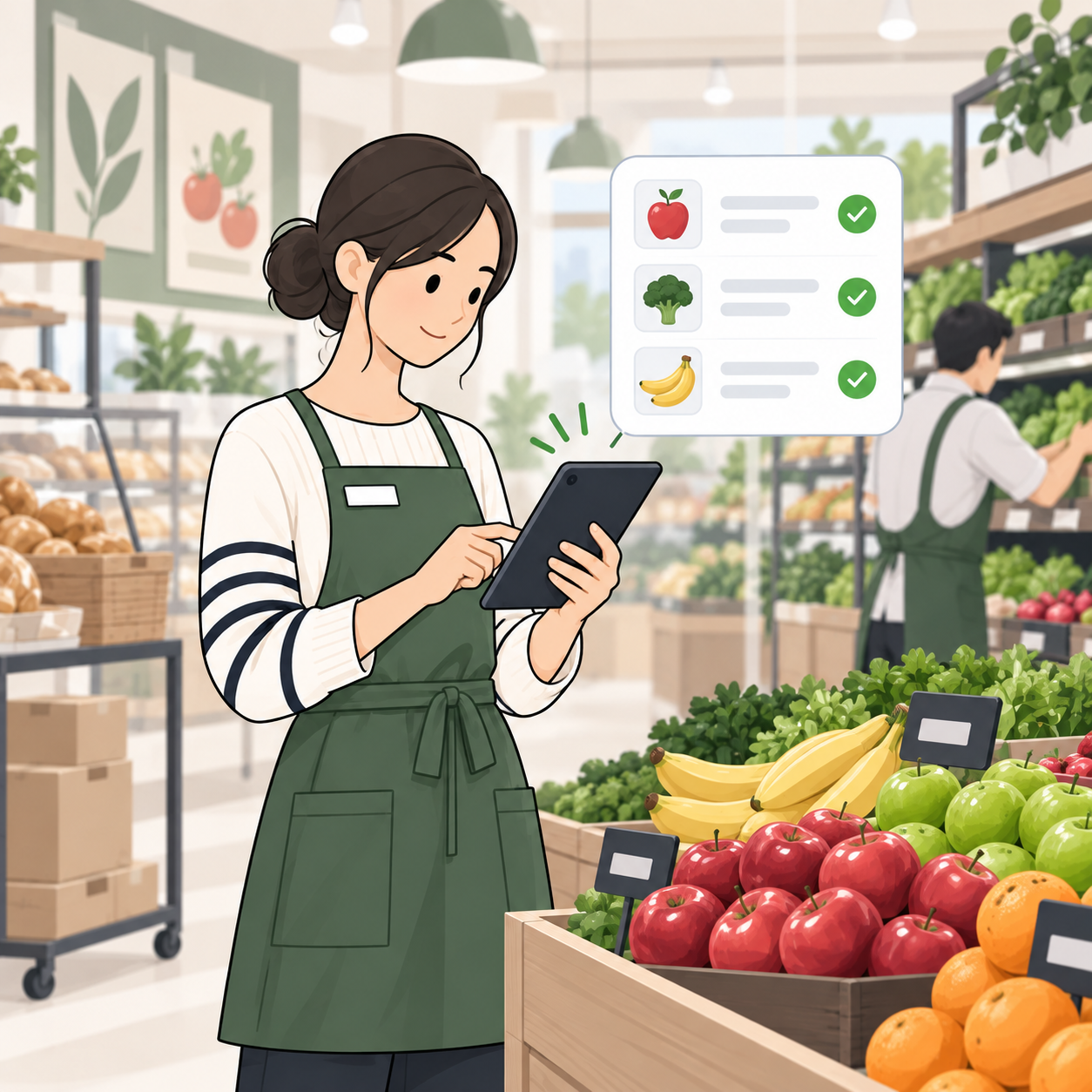
Department Managers and Store Associates
- One app for tasks, price changes, product information, and daily priorities
- See only the work that belongs to their department and their store
- Complete steps on the floor without walking back to the office computer
WHY OPSCENTER
Why Grocery Retailers Choose OPSCENTER
OPSCENTER serves 65 clients across 49 countries in 26 languages, from billion dollar chains with thousands of stores to specialty retailers with a handful of locations. Every client gets access to all 12+ modules under one license, with no hidden fees for adding functionality as needs change.
Sales increase during peak sales periods from improved store preparation
On time markdown compliance, lifting revenue through higher conversion
Hours of workload saved per month through streamlined task reporting
Timely, helpful responses to stores
Visibility lets teams react and make changes the moment issues arise
Built for a Workforce That Turns Over
An intuitive UI and strong user acceptance keep training simple, which matters in a format where new associates join every week and no one has time for a training day on software.
Configuration Based, Not Code Based
An easy to use Administration module lets operations teams build new workflows, roles, and categories directly, without waiting on IT between ad cycles.
Standards Based Integration
OpsEngine provides a full API layer that connects OPSCENTER to point of sale, workforce management, and other internal systems, so it fits the technology you already run.
FAQ
Frequently Asked Questions About Grocery Store Task Management
Does OPSCENTER replace our POS or pricing system?
No. OPSCENTER is the execution and communication layer that sits on top of those systems. OpsEngine connects it to point of sale, workforce management, and other internal systems through a full API layer, so the platform works with what you already run.
Can we assign tasks to specific departments instead of the whole store?
Yes. Recipient targeting applies across tasks, messages, and planograms, so produce, deli, bakery, and front end each receive only the work that belongs to them.
Can store teams complete food safety and condition checks in the platform?
Audits and storewalks can be created, assigned, and reviewed in OPSCENTER, completed by a field auditor, district manager, or store manager, with results reported centrally.
Does it work across multiple banners?
Yes. Each banner can have its own look and feel, while all content consolidates into one corporate view. Roles, permissions, and communication categories are configurable, so direction and reporting stay separate by banner without running separate systems.
Do we have to buy each module separately?
No. OPSCENTER licensing includes access to all modules from day one. Retailers can start with task management or communication and expand into audits, planograms, or dashboards at no additional cost.
GET STARTED
Run Every Ad Week, Every Store, and Every Department From One Platform
OPSCENTER brings task execution, store communication, audits, and reporting into one connected system, so your ad week lands the same way in every location.