

Store execution software for fashion and apparel retailers
FASHION & APPAREL RETAIL
Coordinate promotions, visual merchandising, and seasonal launches across every location without chasing updates. OPSCENTER gives apparel teams one platform to send the direction, assign the work, and see photo proof that every store executed it.










THE PROBLEM
Floor Sets Change Faster Than the Tools Most Apparel Teams Use to Manage Them
A fashion store network resets constantly. New collections, mid-season markdowns, window changes, promotional takeovers, and campaign launches all land on the same store teams, often in the same week.
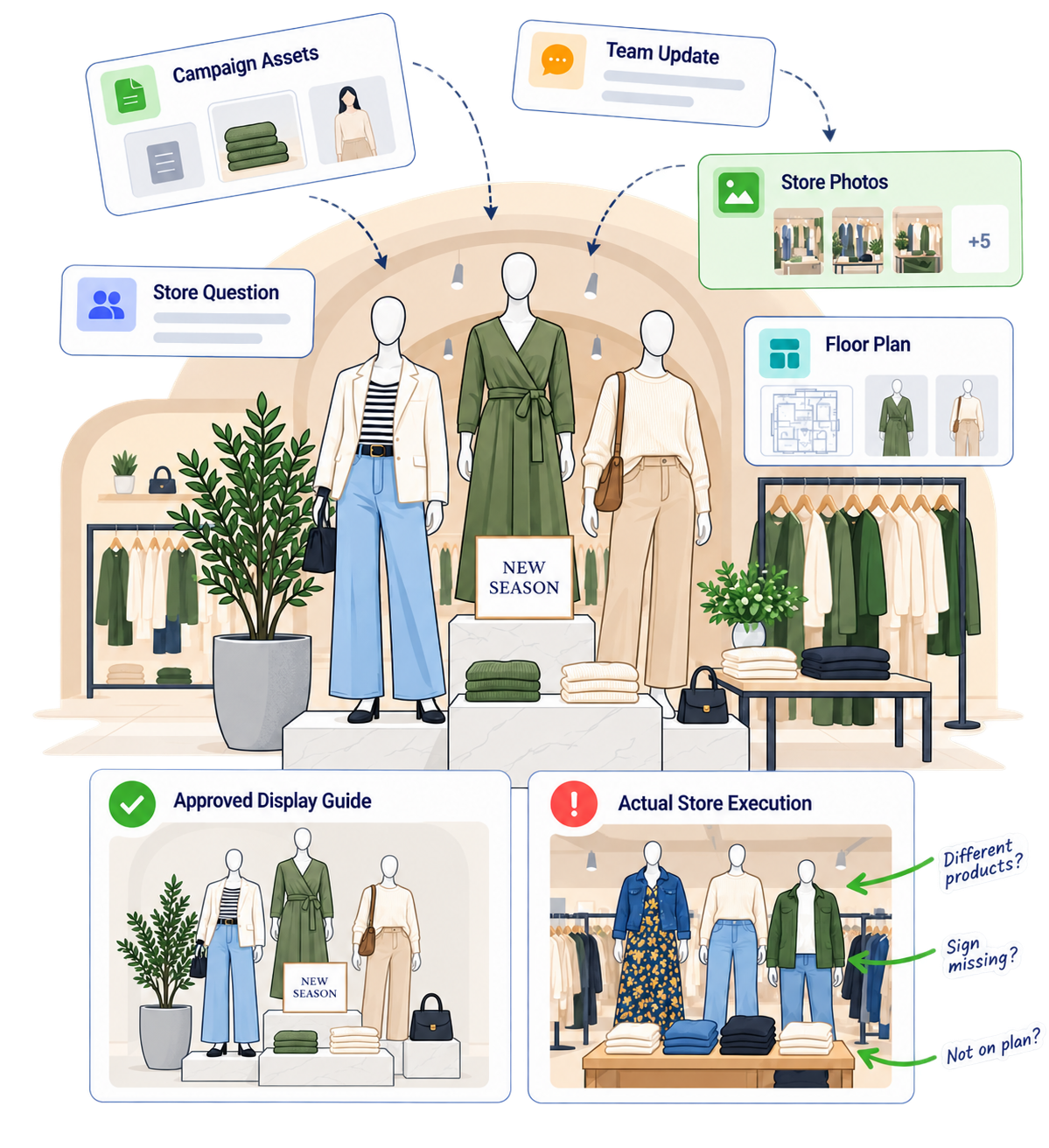
Most of that direction still travels by email, attachments, and group chats. Store teams read what they can. Photos come back in a text thread. Visual merchandising leads open each one manually and compare it against the guide from memory.
A store that misses the set is not just a missed sell through. It is a customer standing in front of a version of your brand you never approved. In fashion, where the brand is the product, that inconsistency costs more than the markdown.
WHAT IT DOES
How OPSCENTER Supports Fashion and Apparel Store Operations
Every module below runs on the same platform, shares the same targeting rules, and reports into the same place. Apparel teams typically lead with visual execution and expand from there.
Visual Merch Reviews
Assign floor sets and window changes as tasks that require stores to submit photos. District managers and visual leads review the results, approve or send back, and bulk download images for reporting.
→Retail Planogram Software
Build on screen maps of floor layouts and communication boards with clickable areas that launch the right guide instantly, or import them from your dedicated planogram software. Store teams see the set for their location, not a 40 page document for the whole fleet.
→Task Manager
Break a seasonal launch into step by step tasks with clear completion requirements. Report on segmented progress by region, store tier, or format while the reset is still in progress.
→Retail Operations Calendar
Put launches, markdown dates, promotional windows, and store level tasks in one view, so a campaign drop and a full floor reset never collide on the same day without anyone noticing.
→Message Center
Send campaign direction to the exact stores it applies to, with full read compliance. Flagship, outlet, and mall locations each get their own version instead of one message covering every case.
→Dashboards
Build role based dashboards showing execution by store, district, or region. Visual leads see which locations completed the set and which ones still need a follow up.
→HOW IT WORKS
How a Seasonal Launch Runs in OPSCENTER
OPSCENTER was built for multi-location retailers who need more than a basic task and messaging tool. Here is what that looks like in practice.
Step 01
Build the Launch Once
Create the messaging and the task list, build or import the planogram, and attach the guides where store teams will actually look for them.
Step 01
Target the Right Stores
Create the messaging, the planogram, and the task list in one place, with the guides attached where store teams will actually look for them.
Step 03
Collect Proof From the Floor
Stores complete the set and submit photos from the app. Every submission lands against the same task, the same store, and the same launch.
Step 04
Correct on Time
Field leaders review submissions, send back what misses the standard, and track completion in real time.
WHO IT’S FOR
Built for Every Level of an Apparel Retail Organization
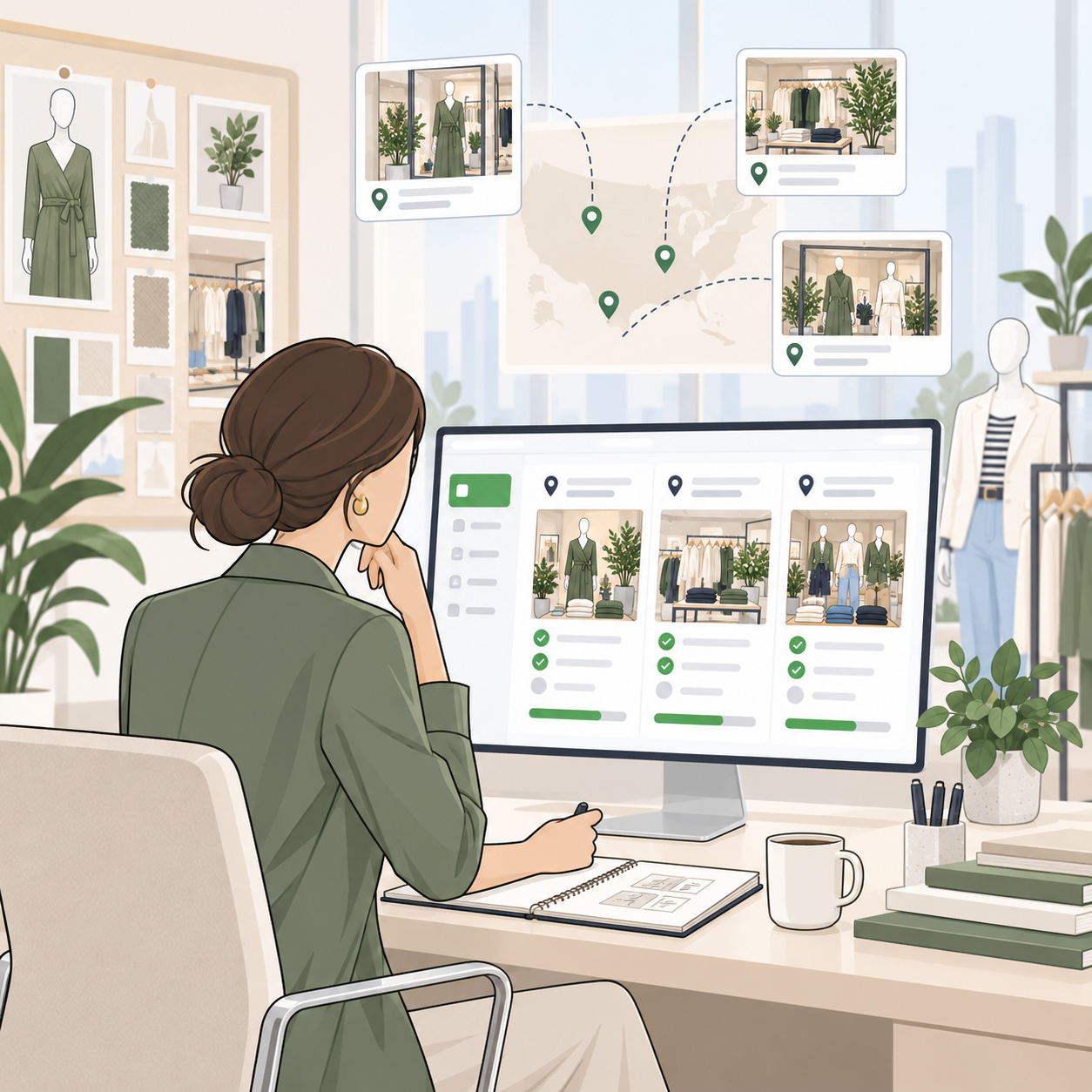
HQ, Visual Merchandising, and Store Operations Leaders
- See campaign and floor set execution across the entire fleet from one dashboard
- Publish direction once and target it by format, region, or store tier
- Replace photo threads and shared drives with reviewable, reportable submissions
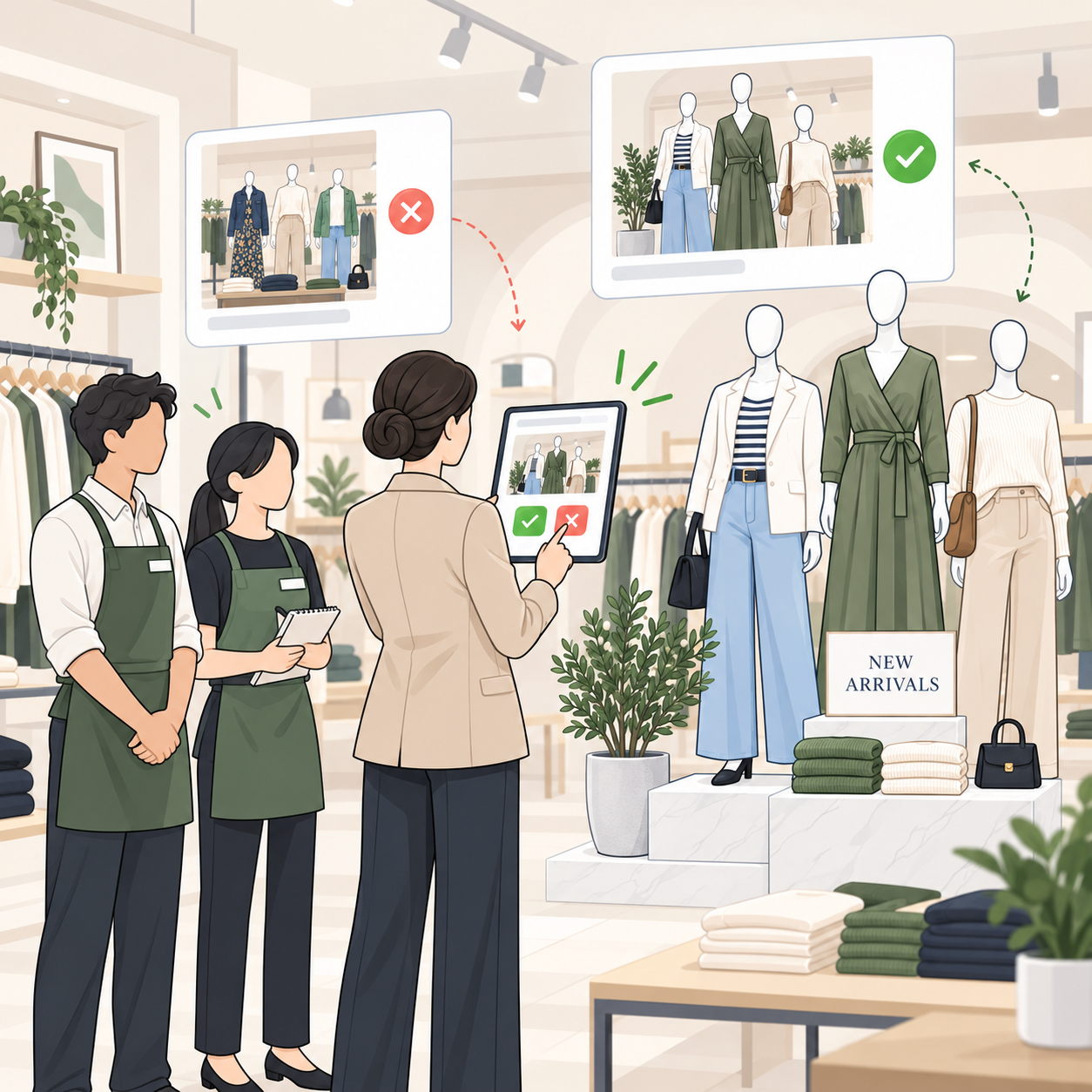
District and Store Managers
- Walk into a store already knowing what is complete, pending, or overdue
- Review and approve visual submissions without collecting them by hand
- Spend store visits coaching the team instead of relaying HQ direction
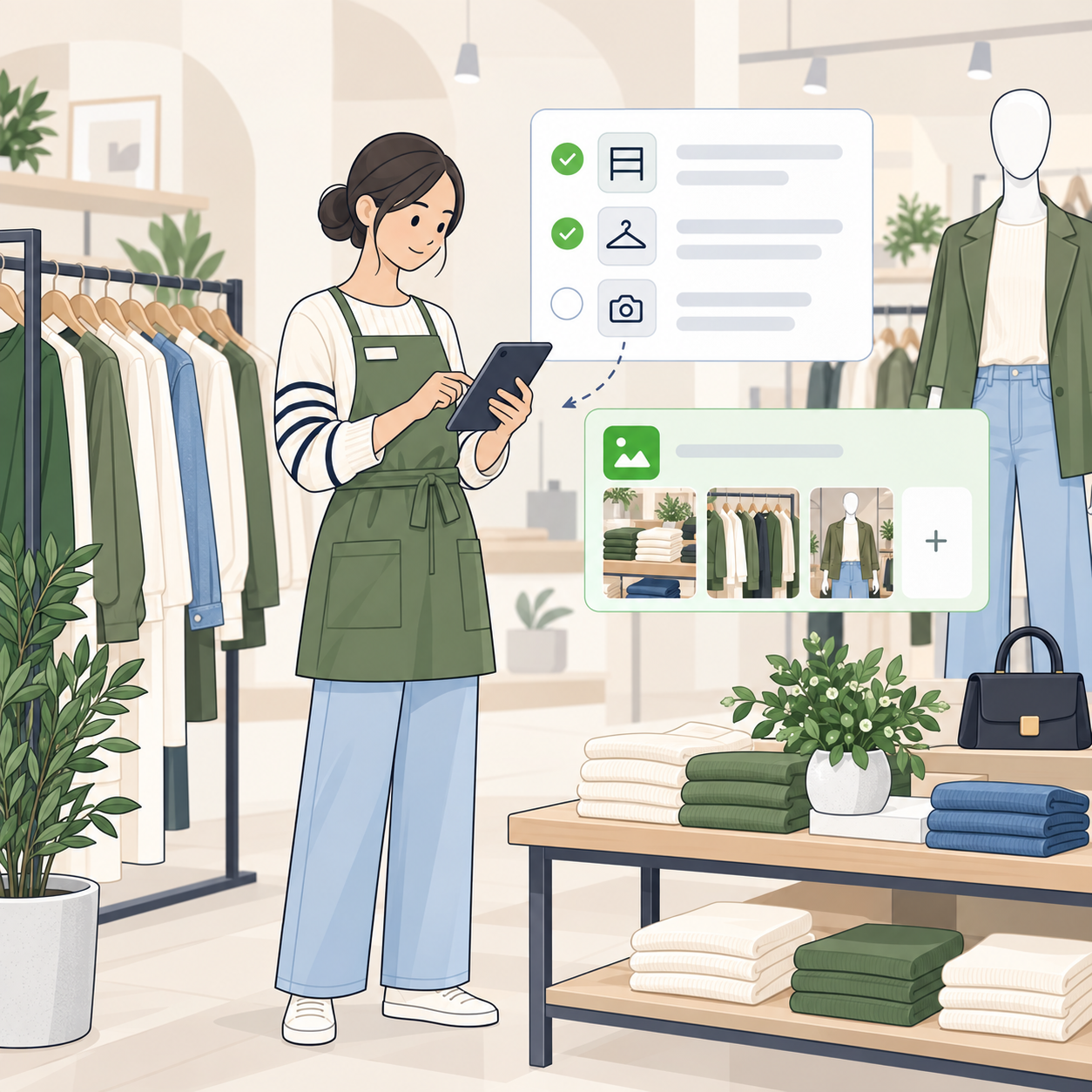
Store Associates
- One app for tasks, campaign direction, guides, and product training
- Clear instructions with the set they need, not a fleet wide document
- Submit photos directly from the floor as part of completing the task
WHY OPSCENTER
Why Apparel Retailers Choose OPSCENTER
OPSCENTER serves 65 clients across 49 countries in 26 languages, from billion dollar chains with thousands of stores to specialty retailers with a handful of locations. Every client gets access to all 12+ modules under one license, with no hidden fees for adding functionality as needs change.
Sales increase during peak sales periods from improved store preparation
On time markdown compliance, lifting revenue through higher conversion
Hours of workload saved per month through streamlined task reporting
Visibility lets teams react and make changes the moment issues arise
Built for Global Store Networks
Multi lingual by design, so a brand operating across multiple markets can send one campaign and have every store team receive it in their own language.
Configuration Based, Not Code Based
An easy to use Administration module lets operations teams build new workflows, roles, and categories directly, without waiting on IT or a development cycle between seasons.
Standards Based Integration
OpsEngine provides a full API layer that connects OPSCENTER to point of sale, workforce management, and merchandising systems, so it fits the technology you already run.
FAQ
Frequently Asked Questions About Store Execution Software for Apparel Retailers
Can OPSCENTER work with our existing planogram software?
Yes. Teams can build basic planograms directly in OPSCENTER or import them from dedicated planogram software. Either way, OPSCENTER handles the execution side, assigning the work and verifying the result through photo submissions.
How do stores submit proof of a completed floor set?
Visual Merch Reviews tasks require stores to submit photos as part of completion. District managers and visual leads review the submissions, approve or return them, and download images in bulk for reporting.
Can we send different direction to outlet, flagship, and mall locations?
Yes. Recipient targeting applies across messages, tasks, and planograms, so each store format receives only the direction that applies to it, with full read compliance reporting.
Do we have to buy the visual merchandising module separately?
No. OPSCENTER licensing includes access to all modules from day one. Retailers can start with visual execution or task management and expand into audits, dashboards, or certification at no additional cost.
How long does OPSCENTER take to set up?
A fully featured custom trial can be built in a few days and carried forward as your production system, with an intuitive UI that keeps training time and change management to a minimum.
GET STARTED
Run Every Launch, Every Set, and Every Store From One Platform
OPSCENTER brings campaign communication, task execution, visual compliance, and reporting into one connected system, so your stores stop guessing and your visual standards hold across the fleet.